
Use Custom Activity Types to distinguish between the different user actions (Ex: Staff Meeting, Non-Billable Work, etc.). Requiring a note for these activities prevents staff from accidentally finishing an activity without completing a note.
📹 Watch: Create Custom Activity Types
Steps to Create Custom Activity Types:
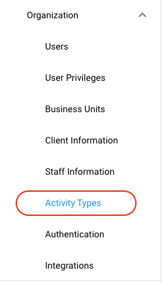
1. Select [Settings] >> [Organization] >> [Activity Types] on the left-hand navigation bar.
2. Select [Add Activity Type]
3. Select an icon for the Activity Type
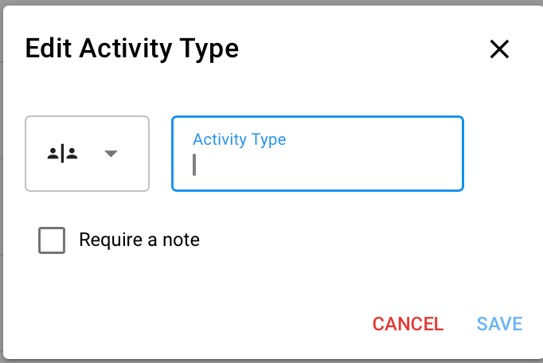
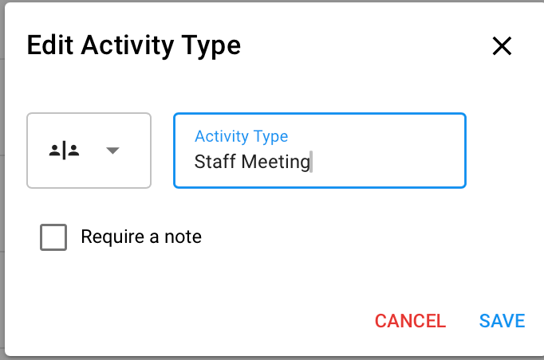
4. Add the Activity Name in the field
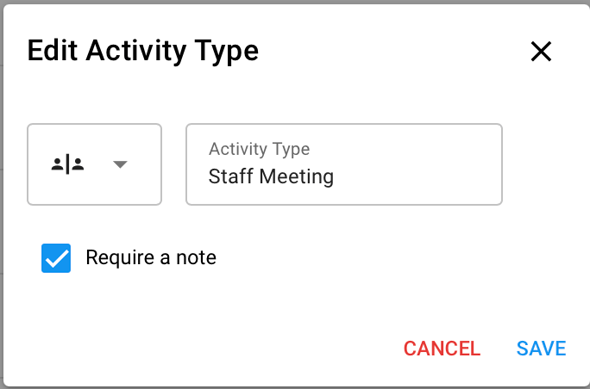
5. OPTIONAL: Check [Require a note] if you would like that activity type to have a note template.
💡Requiring a note on an activity prevents staff from completing an activity without a note.
NOTE: You'll need to make sure to add this activity type to the note template. Navigate to [Notes] >> Select the Note template >> Add the [activity Type] from the drop-down at the top of the screen. For more information, see our Note Template article, HERE
6. Click [Save]
7. Now, staff will be able to select your Custom Activity Type.