
If your child's organization has given you access to reports, you can review and sign off on a treatment plan through your Hi Rasmus account.
How to Sign off as a Parent
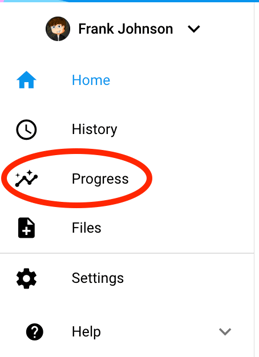
1. Once you are on your child's home page select [Progress]
2. Select [Reports]

3. Select the title of the current report you are looking to review and sign off on

4. Scroll to the parent signature section of the report. (Most likely at the bottom of the report. )
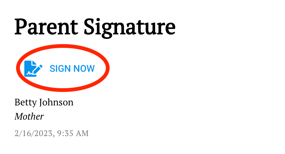
5. Select [sign now]
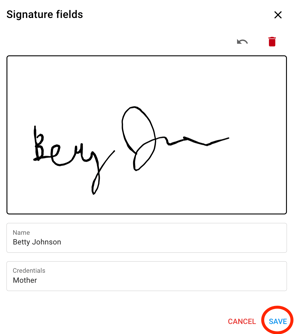
6. Sign your name in the blank text box and press [save]
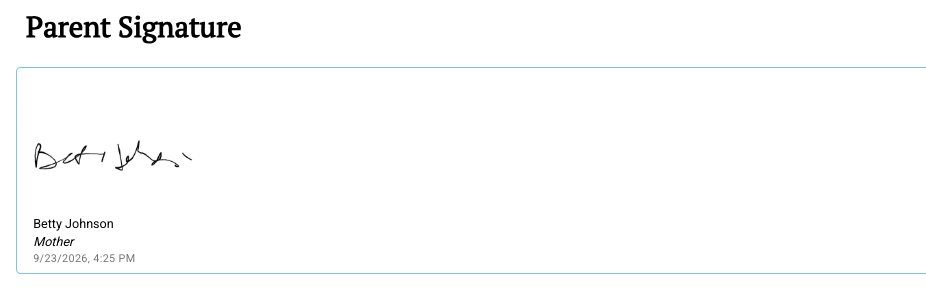
7. Your changes are saved automatically with a date and time stamp.
Want to export your child's report?
Scroll to the very top of the report and select [blue square with the arrow pointing up]. This will export your child's report as a pdf file.
